
Selectors
Quick Jump: Number | Name | Color | 6-Color | Who Goes First?
Tip: We recommend opening the tool in a new window on desktop. Right-click and select "Open Link in New Window." This makes the tool easier to manage and keeps it visible alongside other tabs or apps.
For even more usability, follow these instructions to save this page as an app on your device.
Selectors can randomly pick students for whole class, table teams, small groups, or even pairs—just press GO! Using randomized selectors keeps everyone on their toes and can boost participation and engagement. It's like digital popsicle sticks!
Number Selector

Name Selector

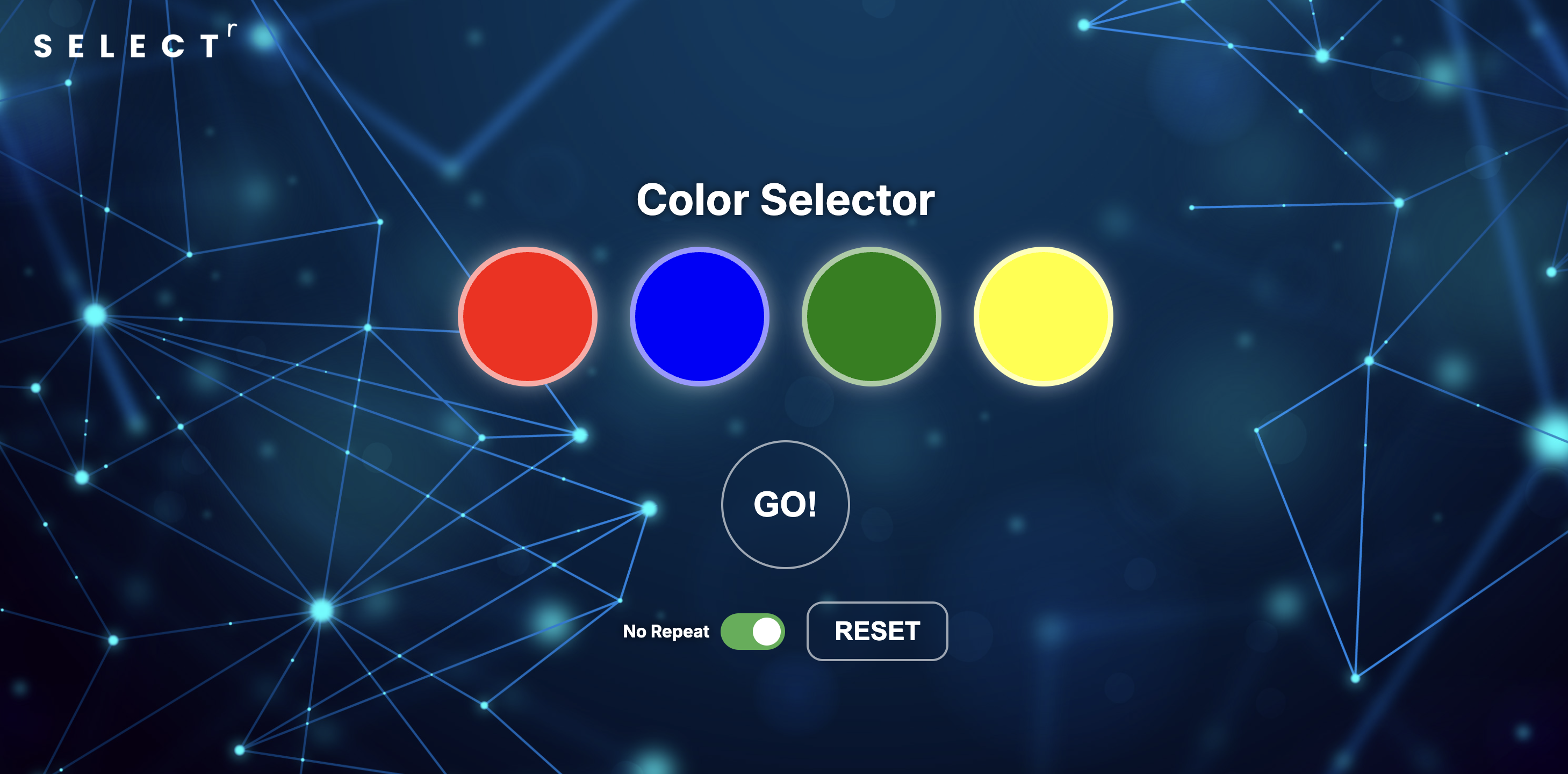
Color Selector
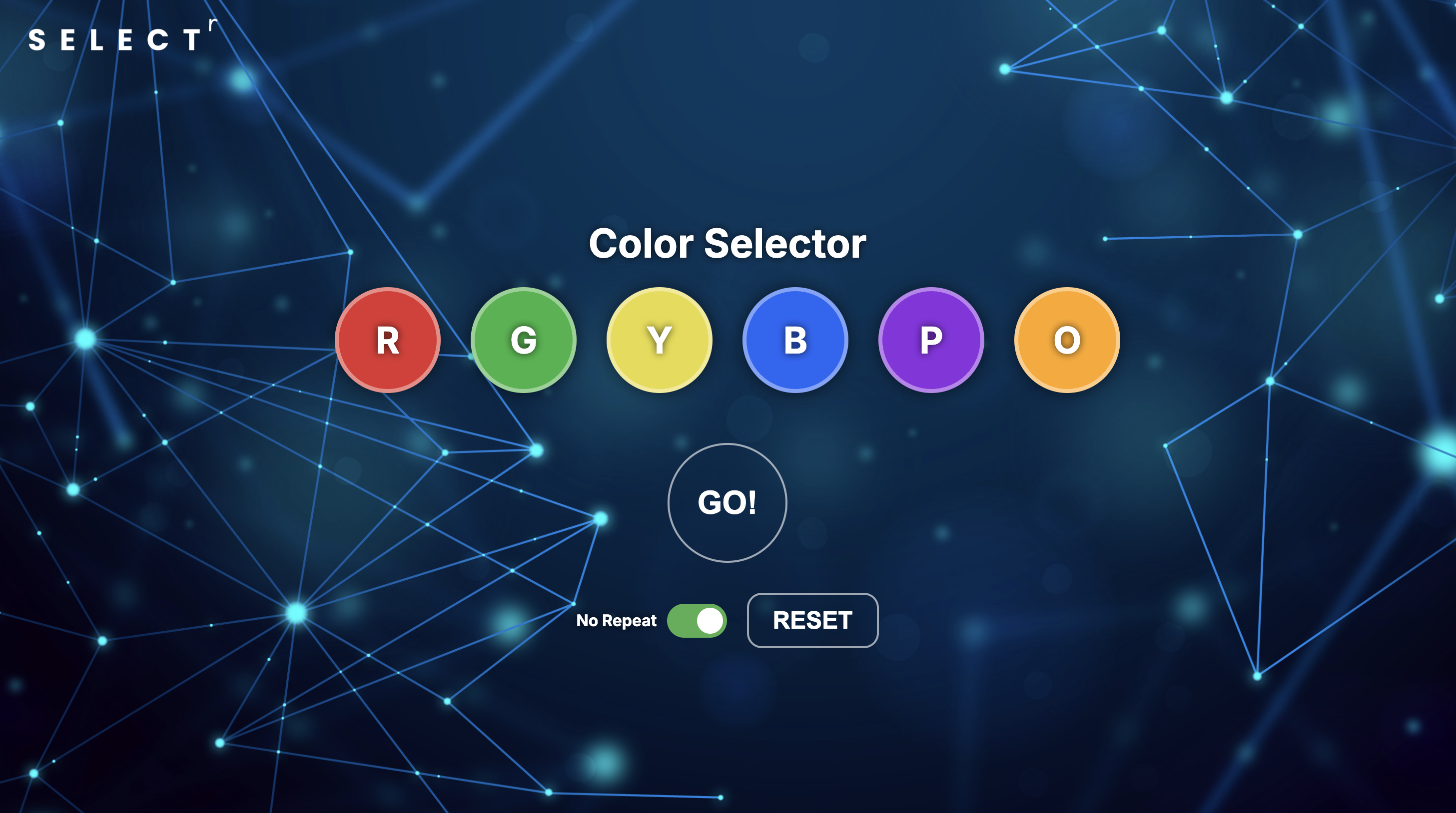
6-Color Selector
Who Goes First?